
If your organization doesn't use single sign-on, you'll create a Lab Symplified password the first time you sign in. It takes about a minute.
Before you start
You'll need your Employee ID. It must match the ID your administrator entered when they added you. If you don't know it, ask your administrator.
Complete your registration
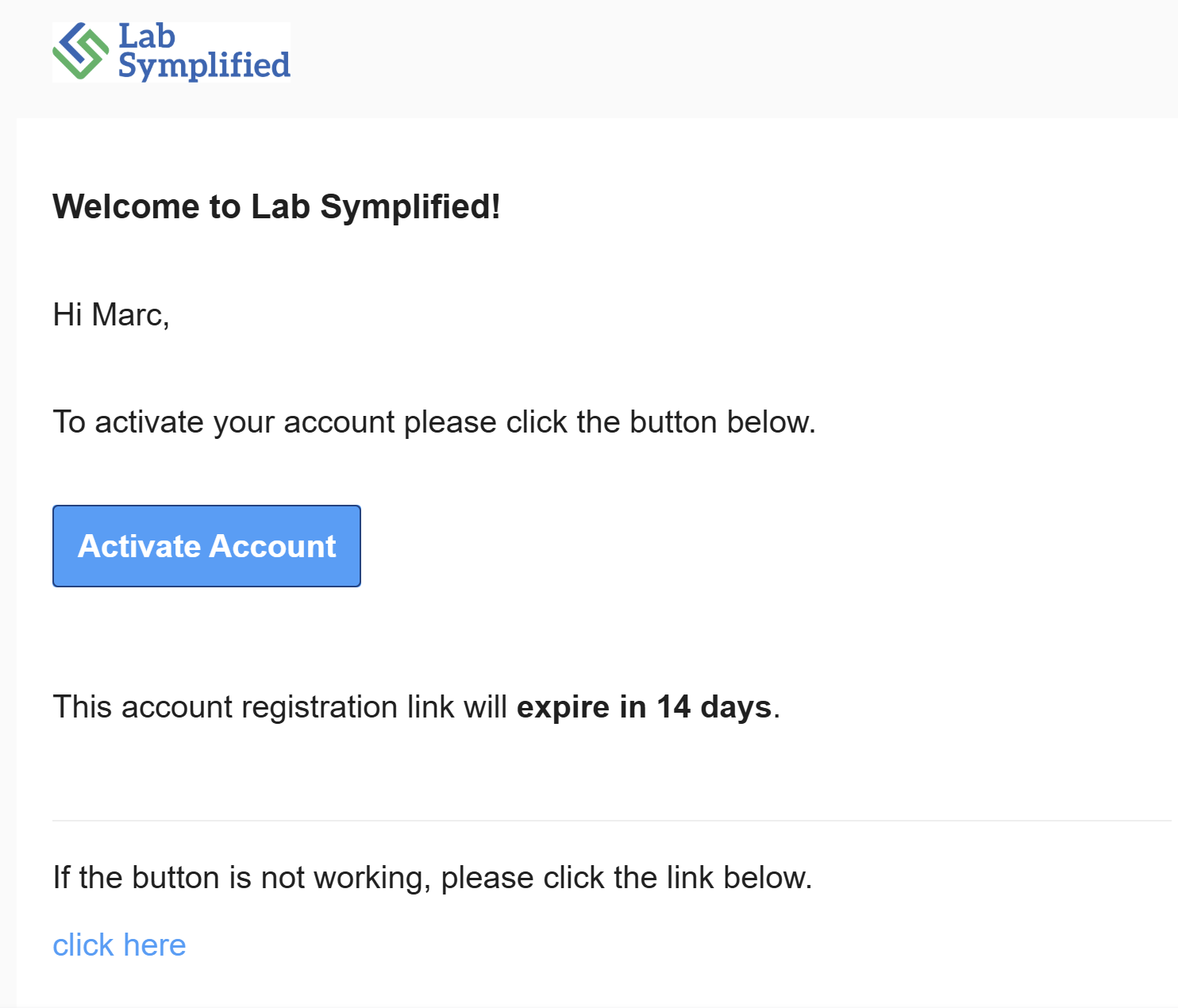
- Open the registration email from Lab Symplified.
- Select the registration link.
- Enter your Employee ID.
- Create a password.
- Complete registration.
From now on, sign in with your email address and the password you just created.
Good to know
- Your access is already set up. Your administrator has assigned your labs and what you can do in them. You can always view inventory in the labs you're assigned to.
- Registration links expire. If yours has expired, ask your administrator to resend it.
- Want faster sign-in? If your organization has QR code sign-in enabled, set up a PIN to sign in with your QR code badge from your user profile. A QR code badge/label has to be printed to use this feature.