
Below instructions are for Tera 8100 Barcode Scanner. Instructions are based on the Tera User Manual which can be found at:
https://tera-digital.com/pages/2d-industrial-barcode-scanner-8100
2.4Ghz Wireless Pairing
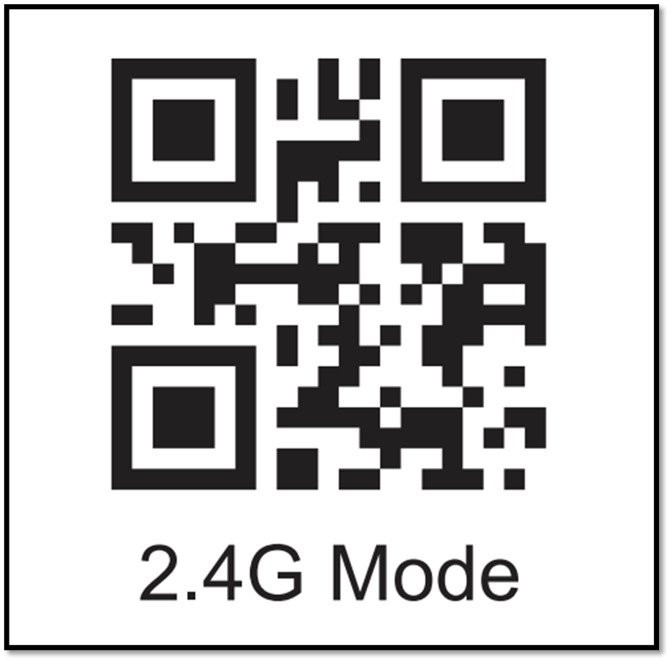
Step 1: Scan the "2.4G Mode" barcode
Note: The scanner will connect to the previously paired USB receiver in preference.
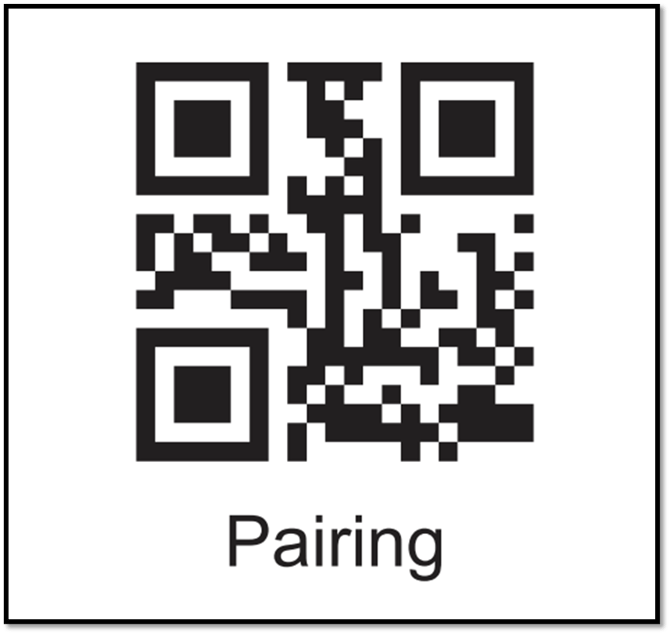
Step 2: Scan the "Pairing" barcode to get the scanner ready for pairing, with the LED indicator flashing rapidly.
Step 3: Plug in the USB receiver and wait till the scanner emits a beep and the LED indicator turns into solid blue, indicating the pairing has succeeded.
Note: A double press on the trigger or not detecting any pairing requests within 1 min will cause the scanner to exit pairing when the scanner is in pairing state.
Bluetooth Pairing
Step 1: Scan the "Bluetooth HID" symbol (QR code) below.
Note: The scanner will connect to the previously paired Bluetooth device in preference.

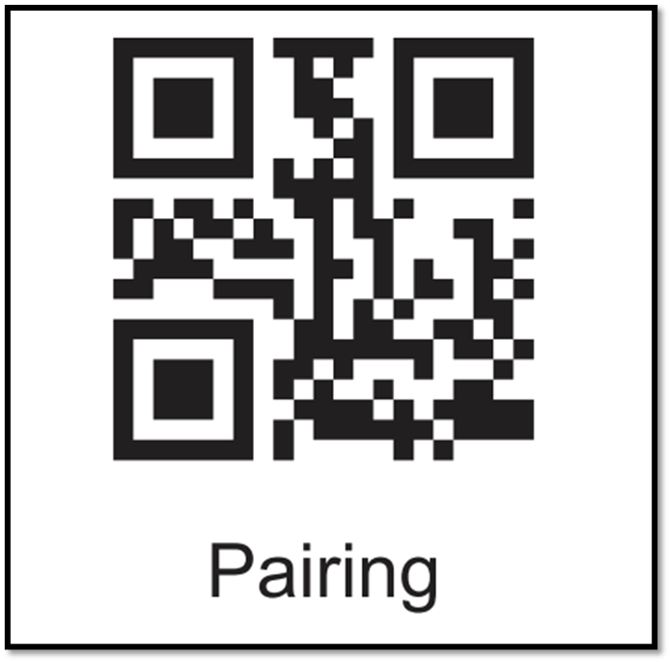
Step 2: Scan the "Pairing" symbol, the LED indicator flashing blue.
Step 3: Enable Bluetooth on your device and locate a device named "Barcode Scanner HID"
Step 4: Tap/Click "Barcode Scanner HID" to pair it with your device.
Step 5: The scanner beeps once and the LED turns to solid blue, indicating the pairing has succeeded.
Note: A double trigger press or not detecting any pairing requests within 1 min will cause the scanner to exit pairing when the scanner is in pairing state.